

 |
 |
|
| Home |
|
| Listen |
|
| CD Info |
|
| Performance Info |
|
| Music Bio |
|
| Contact Info |
|
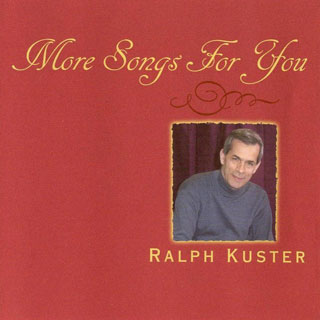
ListenTo hear a demonstration of some of Ralph's recent recordings, visit his page on The Winter Texan Connection and the Winter Texan Times. Click an album title to go to its review area.
Problems streaming and/or downloading songs? Get Help Here
Problems streaming and/or downloading songs? Get Help Here
Problems streaming and/or downloading songs? Get Help Here
Problems Streaming and/or Downloading SongsAudio Player: If you do not have a compatible audio player, we recommend using an updated version of either Nullsoft® Winamp or Microsoft® Windows Media Player, available from their respective Web sites. Both are free. Streaming: Depending on your browser settings, installed software, and computer speed, you may encounter issues trying to stream song samples. If you are using Netscape or another Mozilla-based browser, check that your MIME settings for .m3u files point to your audio player. If you are on dial-up, make sure you are using the Dial-up links. Please wait a reasonable amount of time for your audio player to load and buffer the data. If you hear breaks in the music stream, it is likely due to a slow Internet connection. Downloading: Depending on your browser and settings, you may need to right-click a Download link and choose Save As. |
|||||||||||||||||||||||||||||||||||||||||||||||||||||||||||||||||||||||||||||||||||||||||||||||||||||||||||||||||||||||||||||||||||||||||||||||||||||||||||||||||||||||||||||||||||||||||||||||||||||||||||||||||||||||||||||||||||||||||||||||||||||||||||||||||||||||||||||||||||||||||||||||||||||||||||||||||||||||||||||||||||||||||||||||||||||||||
 Stream Sample

Performance Info | Music Bio | Contact Info